Upload your photo
Choose a clear photo of adults who agree to use it. Keep faces visible and in focus.
A HUG, IN YOUR OWN STYLE
Explore different visual directions for a photo-based hug video. Start with a clear photo, choose the feeling you want, and describe a simple movement. Video generation is not connected yet.
Try the photo preview DAYLIGHT
GOLDEN HOUR
PAINTED
WATERCOLOR
A gentle hug in warm evening light
FROM A STILL PHOTO TO A MOMENT
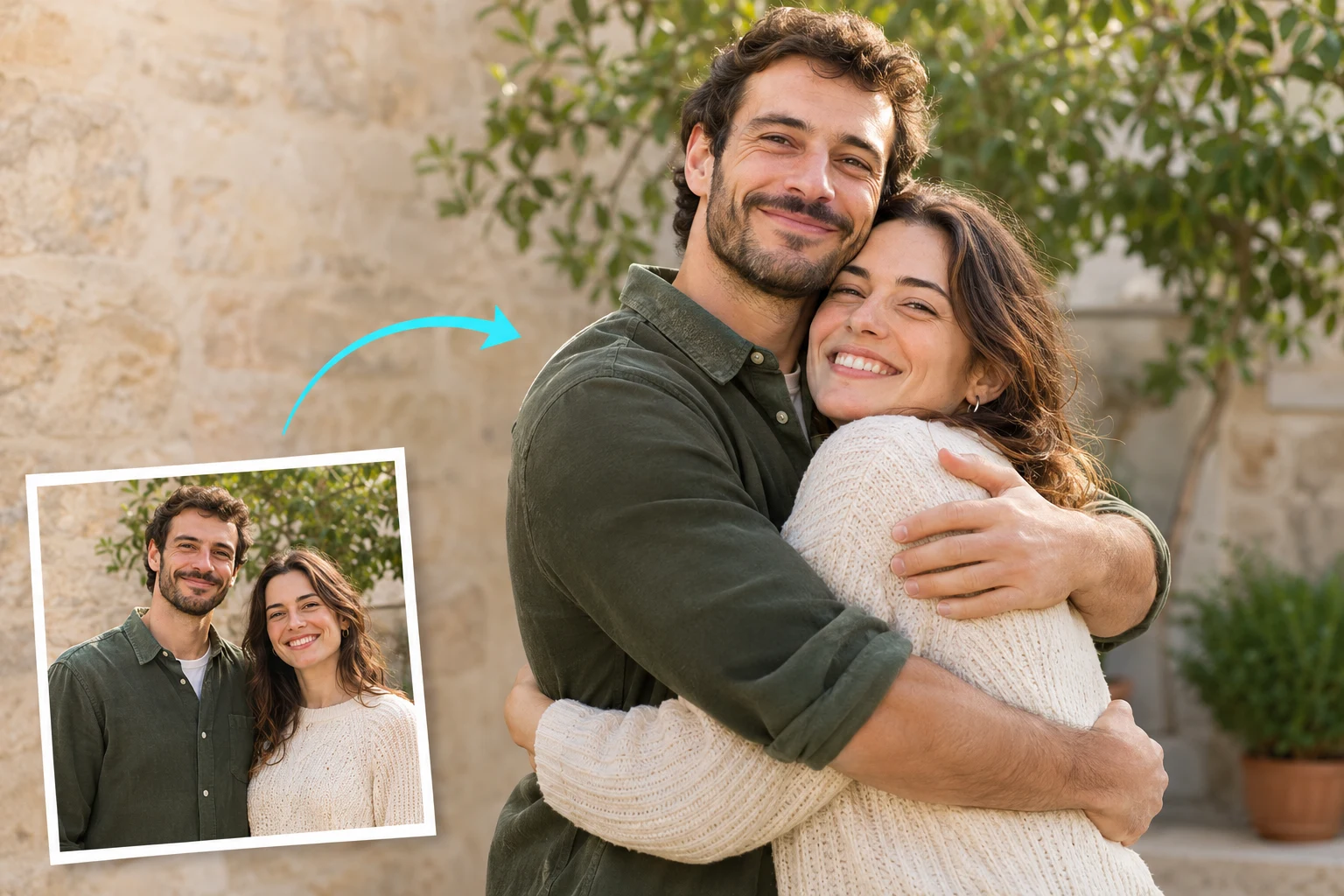
Choose a clear JPG or PNG and describe the hug you want to create. A future video model can add natural movement to a still memory without filming a new scene.
This page is a concept preview. Photo selection and a local preview work; video generation is not available yet.
Start with your photoTHREE CLEAR STEPS
01 Add your photo
02 Choose the moment
Your prompt stays in this browser. It is not sent to a model.
A SIMPLE THREE-STEP FLOW
Choose a clear photo of adults who agree to use it. Keep faces visible and in focus.
Select a moment and write a short motion idea. Model settings will appear when generation is available.
Review the result before saving. Video generation and downloads are not available in this preview.
START WITH A CLEAR PHOTO
Choose one photo with both consenting adults in frame.
Clear lighting helps keep the people in the photo easy to see.
A little space around shoulders and faces gives the motion room.
For example: “a gentle hug, then a small smile.”
BEFORE YOU START
Not yet. Photo selection, hug or kiss choice and a local preview are available. Video generation and payment are unavailable until the model and service are connected.
No. In this preview, the photo stays in your browser. If a future generation step sends a photo to a provider, the provider and data handling will be explained before you submit.
Yes. You can edit the prompt in this browser preview. The prompt is not saved or sent to a model.
Use a clear, well-lit photo where both people are visible, and make sure everyone pictured agrees to the edit.
No. You can select a photo and preview it locally without signing in. Generation is not connected yet.